
Giggleland screenshot location sources for fan wikis
Where to find confirmed Giggleland screenshots: the Steam store page, the free demo's gallery, and the official site's asset files, plus cataloguing tips.
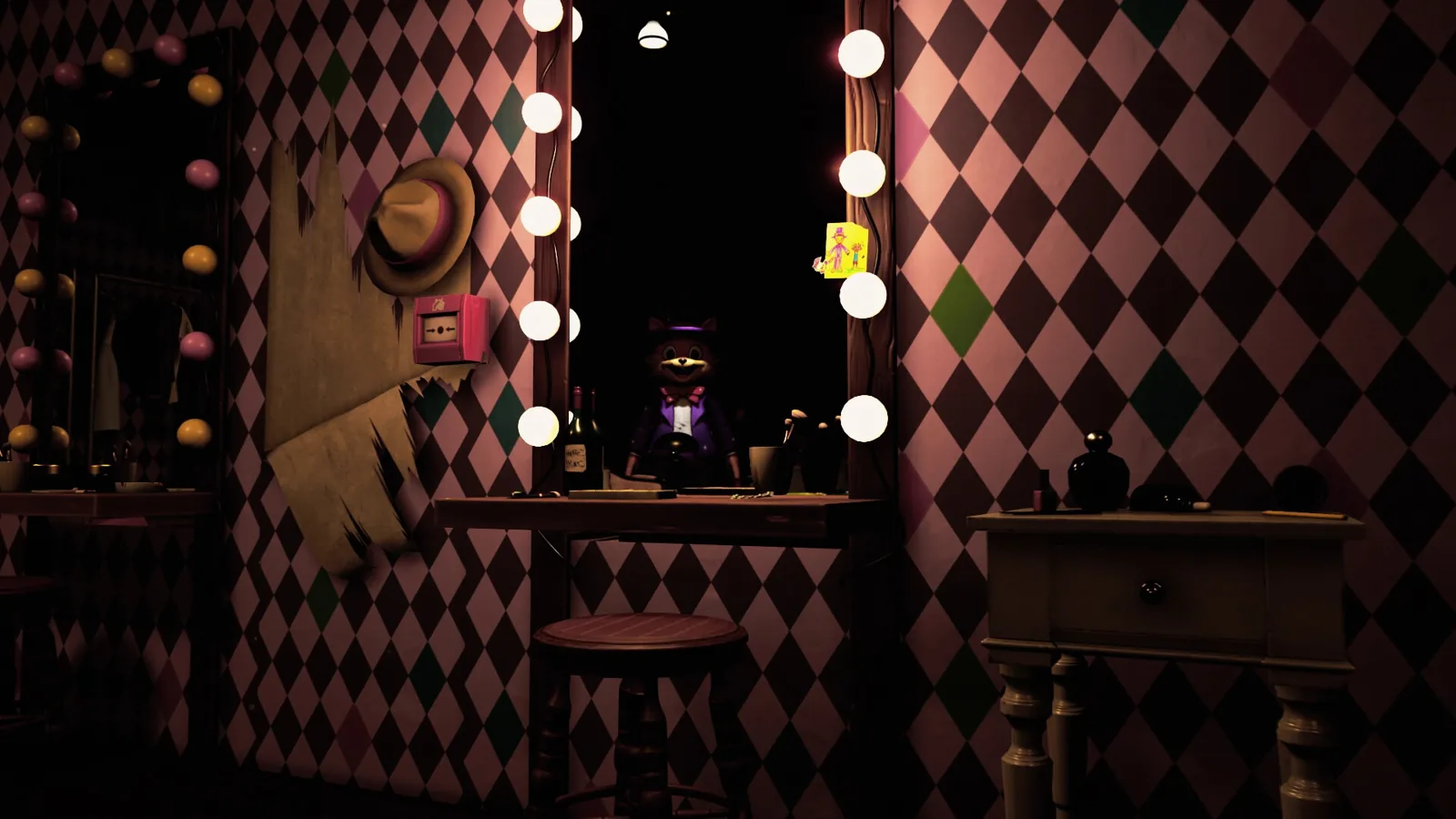
Table of Contents
Confirmed Giggleland screenshots sit in three places online: the Steam store page for the full game, the separate Steam listing for the free demo Terry's Vegetable Patch, and the project's own website at giggle.land. Trailer and showcase footage adds a fourth stream of frames. Build a wiki gallery from those in that order, and give anything player-captured its own labelled folder.
Where each set of images lives
| Source | What it holds | Status as of 2026-10-20 |
|---|---|---|
| Full game on Steam (app 3370490) | Park-focused gallery for the release build | Listed as Coming Soon, launch planned for October 26, 2026 |
| Demo Steam listing (Terry's Vegetable Patch) | Shots of the demo's own facility setting | Free; the community guide dates it to June 8, 2025 |
giggle.land /assets/ | A small set of reusable hero and character images | Reported by the giggleland.wiki guide |
| Trailer / showcase video | Frames from the park intro, school flashbacks and farm scenes | YouTube showcase |
The full game's store page describes an eight-chapter first-person psychological horror game of about six hours, developed and published by KMW, with Windows as the only platform named there. That tells you how much ground the final gallery will eventually cover: the page mentions everything from Farmer Terry's farm to the tunnels beneath the park.
The official site's image files
If you want pictures the project itself published, start at giggle.land. The giggleland.wiki guide reports that the site keeps a handful of directly downloadable files in an /assets/ folder rather than burying everything inside a gallery widget, which makes them the simplest material to reuse. The files that guide names are:
| File | Subject |
|---|---|
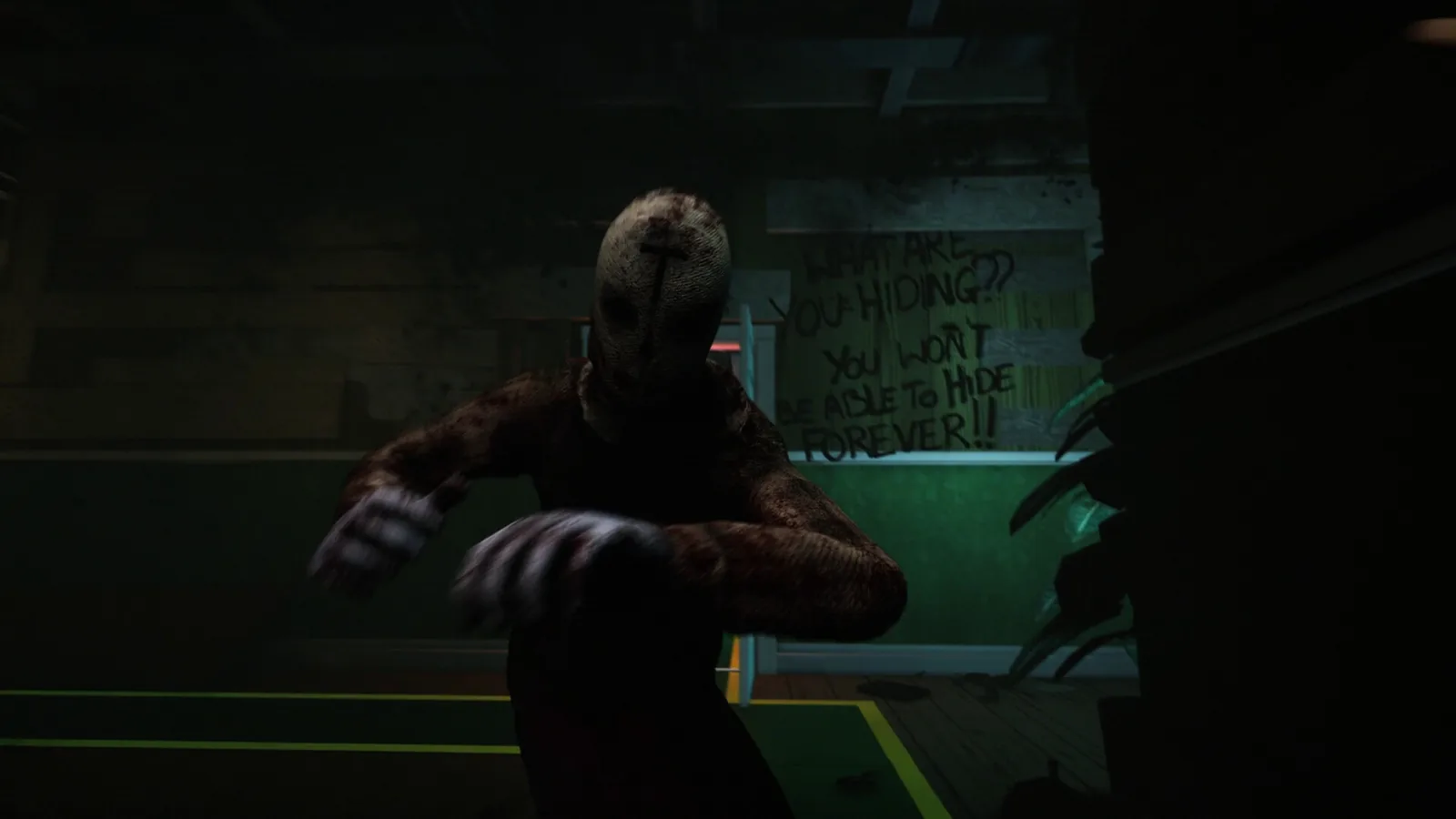
/assets/sc2.jpg | An abandoned facility interior with a horror mood |
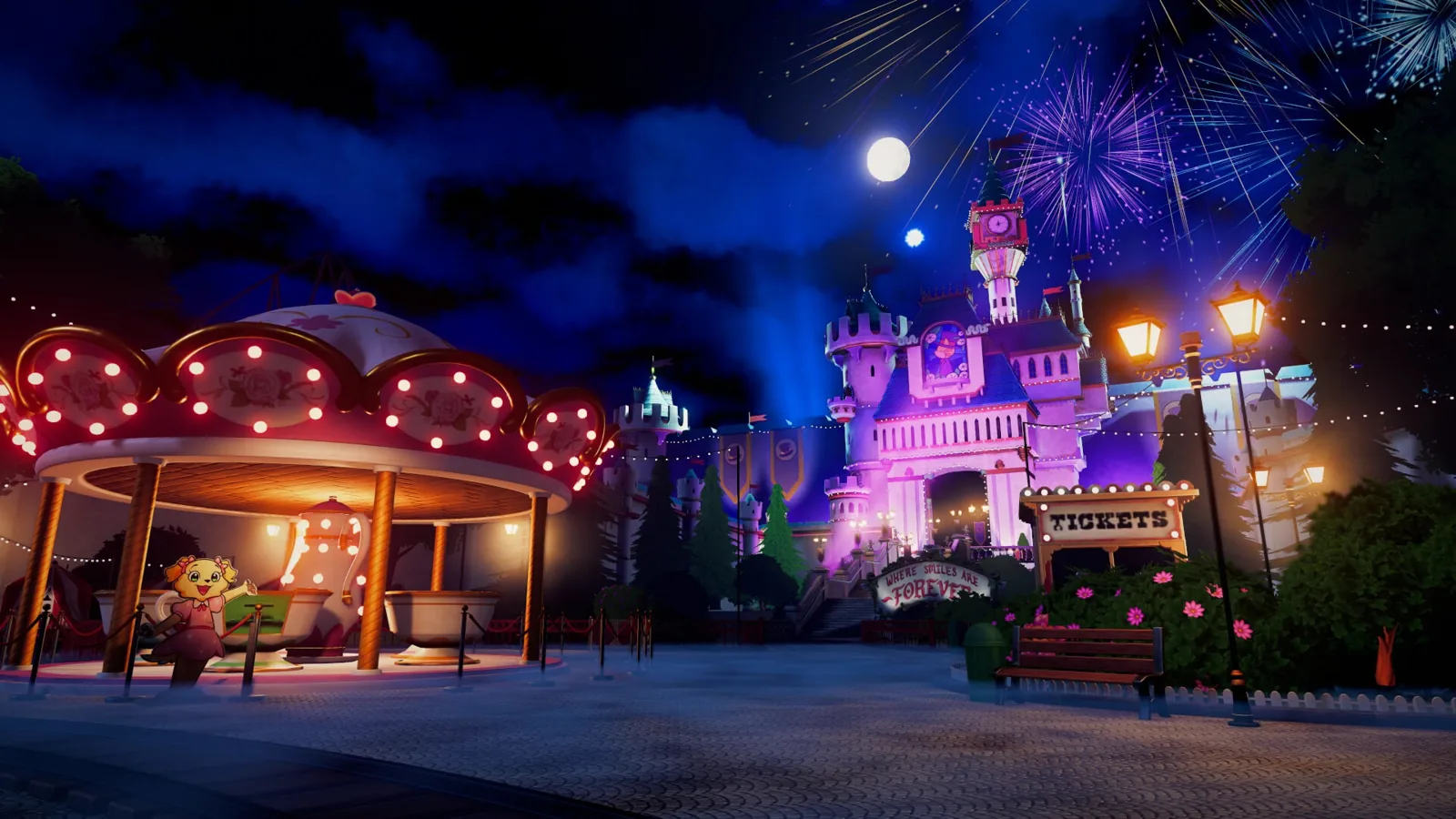
/assets/sc3.jpg | Bright, colourful amusement-park scenery |
/assets/sc4.jpg | A mirror scene involving Tolie |
/assets/tolie.jpg | Tolie character art |
/assets/eliot_ella.jpg | Eliot and Ella character art |
Treat that list as a community report rather than a fixed manifest — the guide presents it as the files known when it was written, and a site can rename or add assets at any time. The same page mentions a trailer embedded on the site's About page, which is the place to look if you want moving footage straight from the project rather than a reupload.
Steam has two galleries, not one
Screenshots from the demo are not a preview of the main park. Terry's Vegetable Patch is a free prequel built around its own facility, so its media belongs in a separate pile from the full game's gallery.
This is where wiki editors most often slip. The two products are listed independently, and the community guide gives their Steam app numbers as 3659070 for the demo and 3370490 for the main game. A quick sanity check on the demo's timing: a Steam community thread opened on June 8, 2025 asks whether "current Terry's build" is safe to play, which fits the guide's release date for the demo. That thread gives no build number, so caption demo images by the demo's name rather than by a version string you cannot verify.
As of 2026-10-20, the demo's own store page has not been confirmed to carry the gallery the community guide describes, and the full game is still listed as Coming Soon with a planned release of October 26, 2026. Note which page each file came from and when you grabbed it — a Coming Soon gallery can be reshuffled right up to launch.
What the showcase video shows
For clean frames of specific scenes, the useful YouTube material is a fan compilation rather than an official upload: Giggleland – Gameplay Trailer & ALL Episodes, Screenshots and Secrets. It works as a scene index — watch it, note what you want, then grab a still — but it is not a screenshot gallery in itself. From its transcript, the footage covers:
- The park welcome sequence, where Eliot and Ella recite the park's rules one at a time: stay out of restricted areas, meet the height check on rides, follow the exit signs, keep your eyes open.
- A school flashback between Elliot and Ella, including a conversation about bravery, fitting in and not being picked for a group.
- A garden scene with Mr. T, with a short lesson on pulling weeds out by the root.
- A confrontation with other children that ends in a scream.
- A stray line about someone who "Oh no, Andy forgot to feed his fish".
Those give you sensible tags — park entrance and signage, school flashback, garden, confrontation — without inventing labels. The video is presenter-led commentary over trailer material, so credit it as a fan compilation rather than quoting it as developer wording.
Screenshots inside the demo
If your question was about pictures the game takes rather than pictures of the game, the same Steam thread is the record. One reply states that "there are 3 instances where a screenshot is taken", adding that a folder path and a desktop view appear on an in-game monitor shortly after the third one. Another reply notes that "The text where the file appears is in the top left."
The accounts do not fully agree on the monitor. One player reports it shows active applications, while a later reply in the thread insists it does not and that "It's just random stuff to make streamers think their game crashed." Both comments concern the demo and neither gives a build number, so read the details as player experience rather than a specification.
If you plan to stream or record the demo, the thread's practical suggestions are worth knowing: cropping or covering that top-left corner hides the folder path, and an account with few connections limits what the avatar section can surface. The full game's store page states separately that it is "no streamer mode needed", advising that you capture the game window rather than your whole desktop.
Keeping a gallery tidy
The short version: gather from official sources first, write down where every file came from, and never let fan material sit uncaptioned beside studio images.
- Pull the site assets first and save them under their original filenames.
- Capture both Steam galleries, noting the page and the capture date next to each file.
- Tag each image with a scene — park exterior, facility interior, mirror scene, garden, school flashback.
- Add a spoiler warning to frames from the demo's ending or from story reveals.
- Give player-made images their own folder and caption them clearly as fan material.
Matching images to page sections
For a dark-themed header, the community guide recommends sc2.jpg, the facility shot, because it carries the abandoned-facility mood directly; pair it with sc3.jpg further down the page for contrast. The game's visual identity runs on that contrast, and pairing images deliberately does more for a page than dumping everything into one grid.
| Image | Feel | Where it earns its place |
|---|---|---|
sc3.jpg (bright park) | Cheerful, welcoming | Top-of-page headers, introductory sections |
sc2.jpg (facility) | Cold, abandoned | Story and lore sections, anything unsettling |
sc4.jpg (mirror scene) | Quiet and uncomfortable | Character analysis, Tolie-focused pages |
tolie.jpg, eliot_ella.jpg | Portrait-style | Sidebars, character cards, profile blocks |
A darkened overlay behind your text keeps a bright park image readable without losing the candy colours the official site is known for.
Next steps
- Giggleland Streamer Mode: What It Blurs and If You Need It
- Giggleland Elliot: The Cat Guide Explained
- Giggleland Ella: Character Profile and Clues
FAQ
Where is the Giggleland screenshot location online?
Three places carry confirmed material: the full game's Steam store page, the separate Steam page for the free Terry's Vegetable Patch demo, and the giggle.land site's /assets/ folder. Trailer and showcase footage supplies extra frames.
Do demo screenshots show locations from the full game?
Not reliably. The demo is a standalone free prequel built around its own facility, so its gallery should not be read as a preview of the park areas in the release planned for October 26, 2026.
Can I use community screenshots from Reddit?
You can, but caption them as player captures rather than studio material. Mixing unverified fan images into an official gallery makes it hard for readers to tell which images came from the developer.
Why did the demo display a folder path on screen?
Players in the Steam discussion report that the demo's screenshot moments show the Documents folder path in the top-left corner. Cropping that corner is the simplest fix if you are capturing footage.
Related Articles
Continue Reading
Streamer Mode: What It Blurs and If You Need It
Giggleland is built to be safe to stream, and a community thread describes an optional streamer mode that blurs personal details.
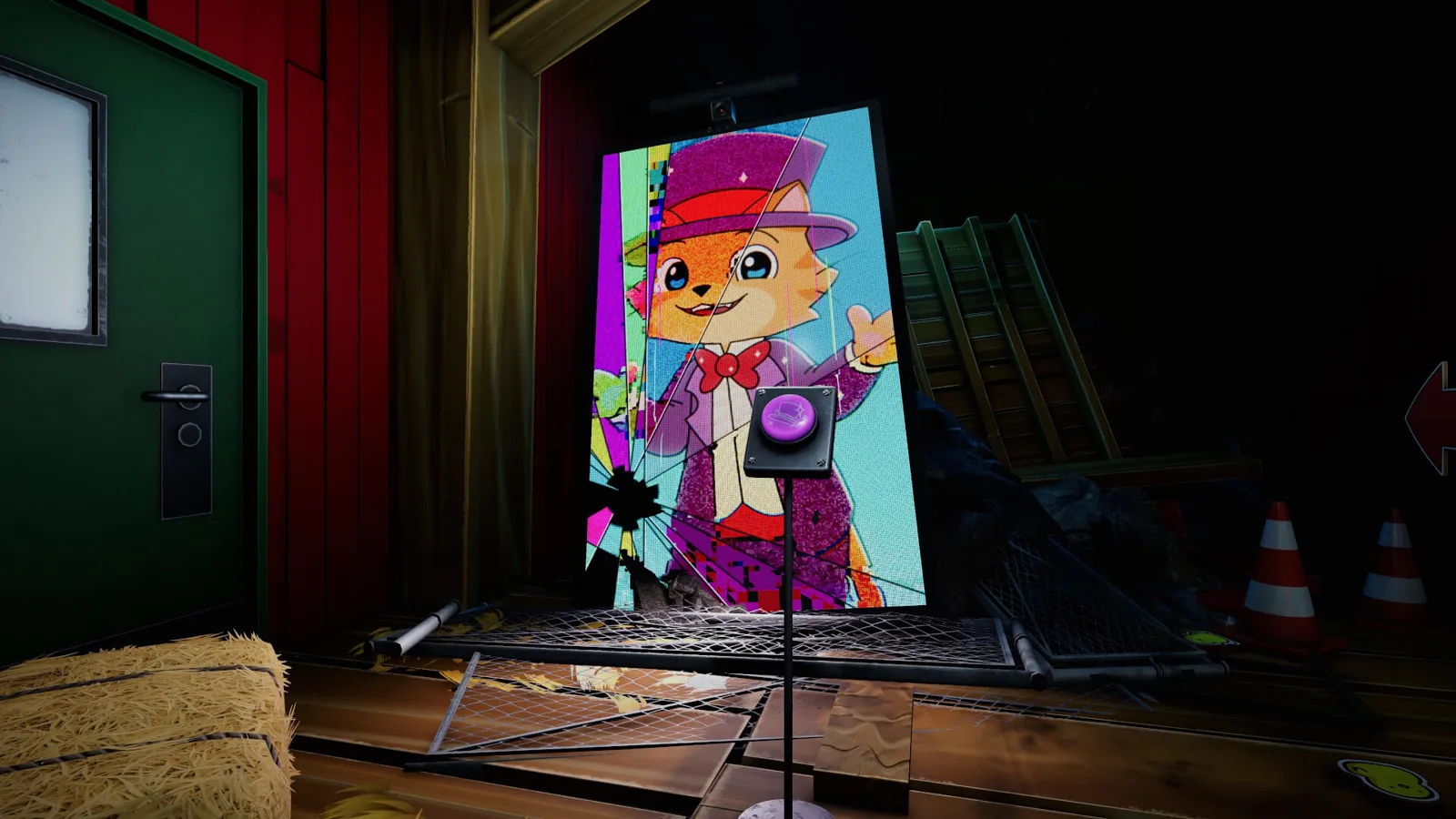
Virus: Malware Fears vs. Lore Theory
Separating the Giggleland virus scare from the lore theory: why the game takes screenshots, what players report, and what KMW has actually confirmed.
Age Rating: No Board Rating, Not for Kids
Giggleland has no published ratings-board age rating, but the developer's Steam page states the horror game is not suitable for children.
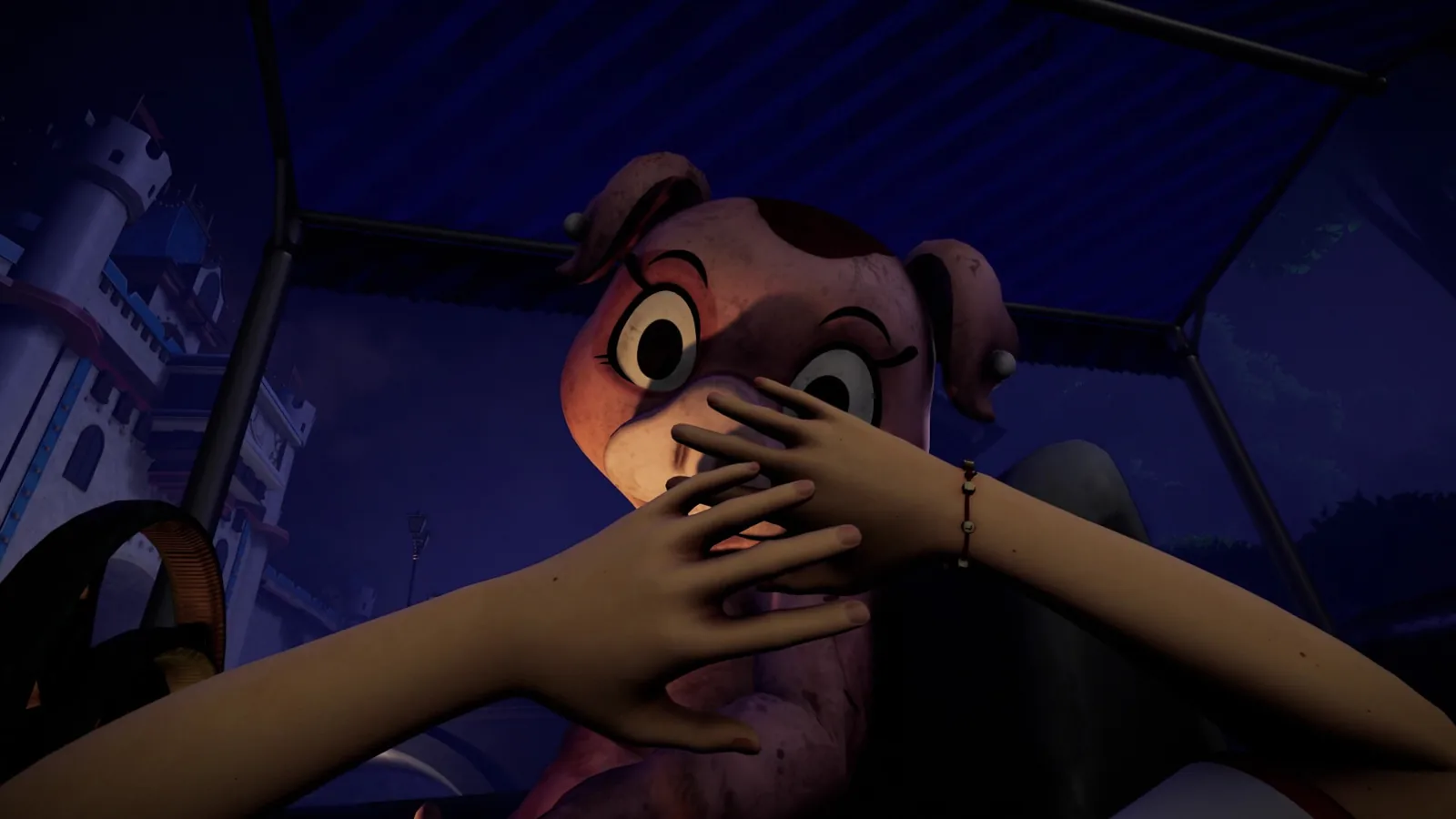
Release Date: Planned for October 26, 2026
Giggleland carries a planned release date of October 26, 2026 on Steam. Current status, platform scope, demo details and minimum PC specs.
Characters: Who’s Who in the Park and Demo
A clear roster of Giggleland's cast — Eliot, Tolie, Farmer Terry, Isaac, Ella and the Sampson family — with demo notes, lore links and open questions.
Ella: Character Profile and Clues
Who Ella is in KMW's Giggleland: the official Eliot & Ella pairing, her teaser-trailer look, ARG threads, and which fan theories stay unconfirmed.